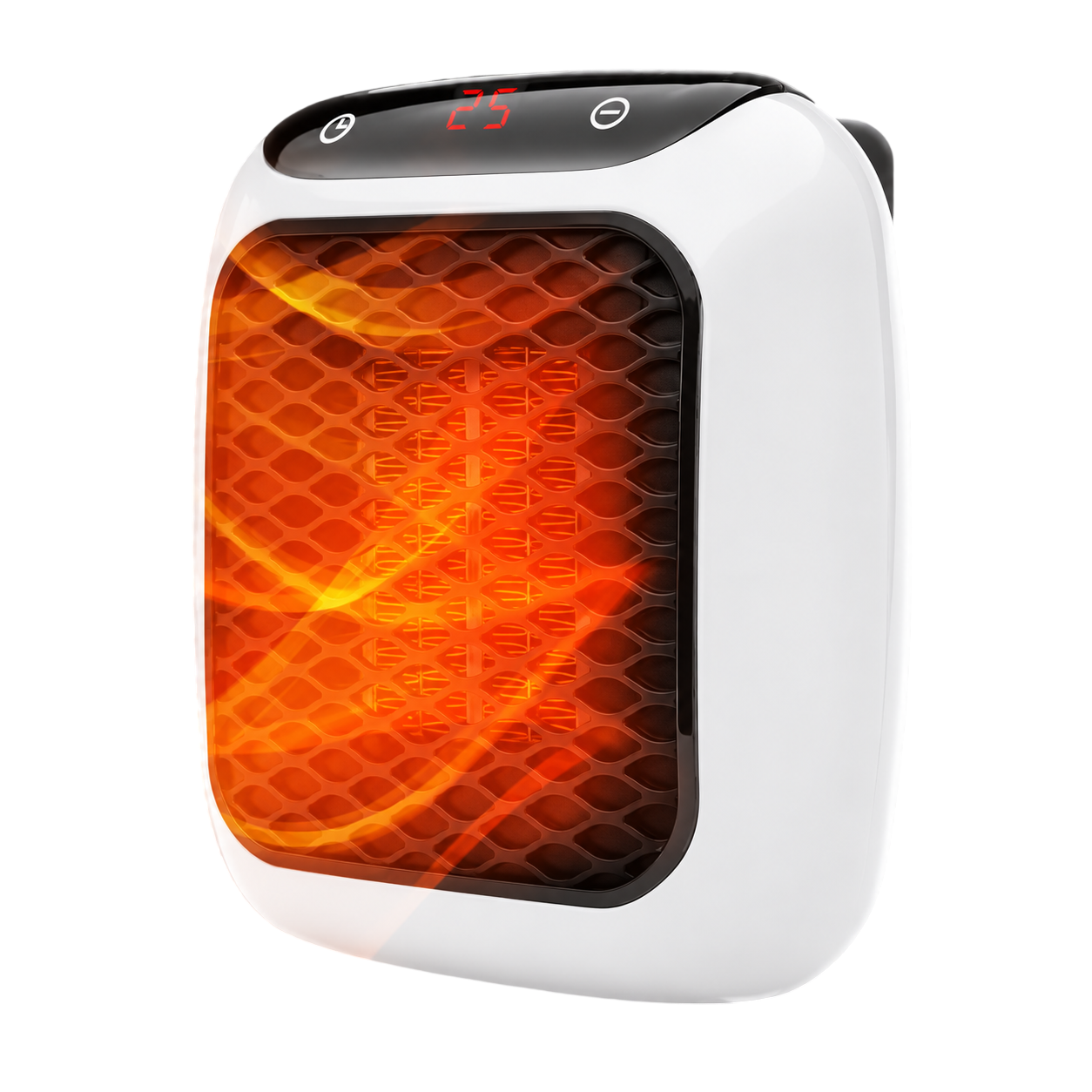
WellHeater manual and setup guide
Everything you need for the first five minutes with your WellHeater, plus the fixes for the problems people email us about most often.
What's in the box
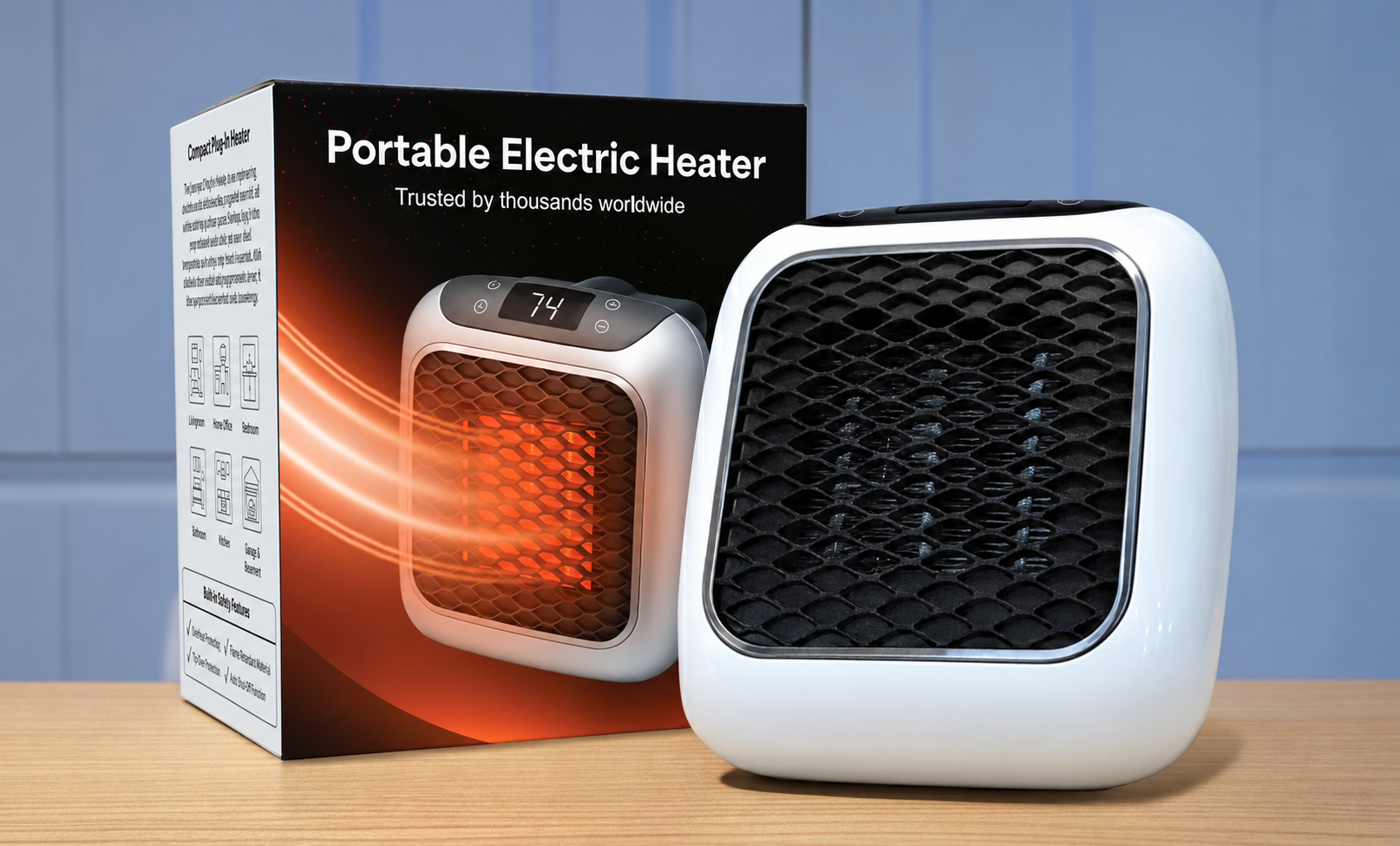
- The WellHeater unit with rotating wall plug.
- Wireless remote control (battery included).
- Washable antimicrobial dust filter, pre-fitted.
- Quick-start instructions.
Setting it up
- Unbox the heater and the remote, and remove any packaging or film from the vents.
- Rotate the plug so the unit sits flat against the wall socket.
- Plug directly into a standard wall outlet — never an extension lead or power strip.
- Press the power button on the touch panel; warm air begins within about 60 seconds.
- Use the remote to set your preferred temperature and the auto shut-off timer.
Using the touch panel and remote
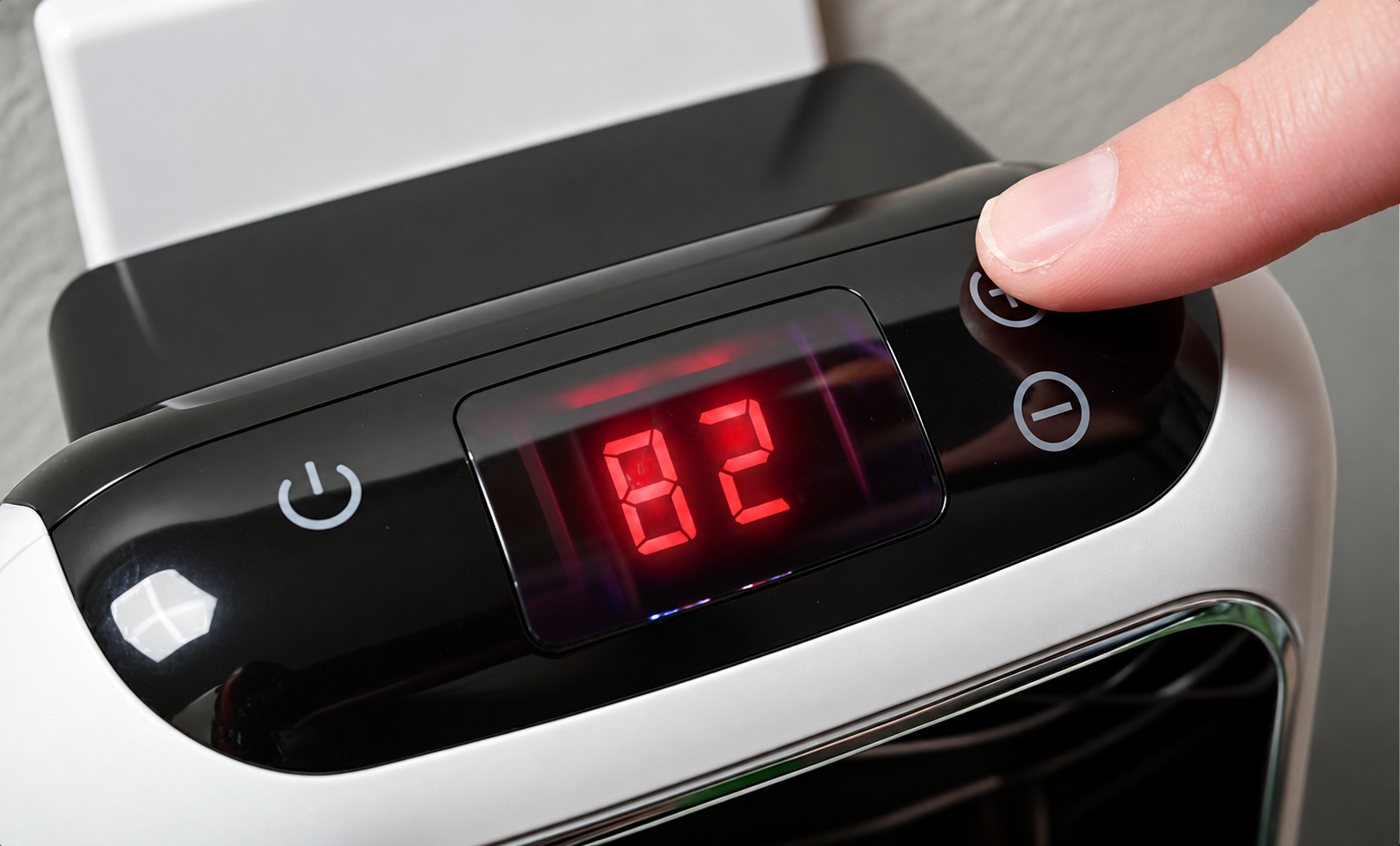
The touch panel on the unit itself adjusts power level, temperature and the timer directly. The wireless remote mirrors these controls from across the room, which is the more practical option once the heater is positioned somewhere you are not standing next to it, such as by a bed or sofa.
For bedrooms, an hour of timer is usually plenty — the room holds warmth well after the unit stops, and cool-down mode lets the fan run briefly afterward to dissipate residual heat safely.
Cleaning the filter
Unplug the unit and let it cool fully before cleaning. Remove the washable dust filter from the back, rinse or vacuum it, and let it dry completely before refitting — refitting a damp filter can restrict airflow just as badly as a dirty one.
Do this monthly during heavy winter use. A blocked filter is the single biggest cause of the 'it feels weaker than before' complaint covered in our WellHeater complaints page.
Safety features built in
- Tip-over switch cuts power instantly if the unit is knocked from upright.
- Cool-touch housing so the outer casing stays safe to handle during operation.
- Overheat protection shuts the element down automatically if airflow is blocked.
- Cool-down mode runs the fan briefly after shut-off to clear residual heat safely.
Positioning it correctly
Keep at least two feet of clearance in front of the unit and avoid placing it directly beneath curtains, on rugs, or facing furniture closely. It is rated for a room up to roughly 130 sq ft (12 m²); placing it centrally in that space, rather than in a corner or hallway, gives the fastest and most even warm-up.
Room shape matters more than square footage alone. A long, narrow room warms less evenly than a square one of the same area, since the ceramic element heats the air nearest it first. See our small room heater guide for placement tips in awkward layouts, and our full safety checklist before using it anywhere new.
Choosing the right settings for the room
There is no single correct setting — a small, well-insulated bedroom reaches a comfortable temperature on a lower power level than a draughtier home office. Start on a mid setting with a one-hour timer, and adjust up or down once you know how the room responds; going straight to maximum power rarely warms a room faster than a sensible mid setting run for slightly longer.
Caring for the unit long-term
- Wipe the outer housing with a dry or barely damp cloth — never submerge the unit or spray cleaner directly onto it.
- Store it somewhere dry over summer, ideally in its original packaging, to keep the intake vents free of dust.
- Check the plug and cord periodically for damage before each heating season, and stop using it immediately if either looks worn.
- Keep the filter clean going into winter, not just partway through it — see the filter cleaning steps above.
Troubleshooting
- No power: try a different wall socket; avoid extension leads and multi-way adapters entirely.
- Weak output: clean the filter and make sure nothing sits within two feet of the front vent.
- Remote not responding: replace the battery and point it directly at the front panel.
- Unit clicks off by itself: that is the thermostat or timer switching off automatically — normal behaviour, not a fault.
- Persistent fault after checking the above: contact support@getwellheater.net — it is covered under the 12-month warranty.
Troubleshooting by symptom
| Symptom | Likely cause | Fix |
|---|---|---|
| No power at all | Loose connection or wrong socket type | Plug directly into a different wall outlet; avoid extension leads |
| Warm air is weak | Blocked or damp filter, or vent obstructed | Clean and fully dry the filter; clear two feet in front of the unit |
| Remote unresponsive | Flat battery or unit out of range | Replace battery and point remote directly at the front panel |
| Unit shuts off quickly | Timer set short, or overheat protection triggered | Check the timer setting; ensure vents are unobstructed |
| Clicking noise during use | Normal thermostat cycling | Expected behaviour, not a fault |
Quick reference
| Spec | Detail |
|---|---|
| Power | 800W PTC ceramic |
| Time to warm air | About 60 seconds |
| Coverage | Up to ~130 sq ft (12 m²) |
| Controls | Touch panel + wireless remote |
| Timer | Built-in auto shut-off |
| Filter | Washable antimicrobial |
WellHeater at a glance
| Detail | Specification |
|---|---|
| Heating type | PTC ceramic convection |
| Room coverage | Up to 130 sq ft / 12 m² |
| Time to warm | About 60 seconds |
| Controls | Touch panel + wireless remote |
| Timer | Built-in auto shut-off timer |
| Safety | Tip-over cut-off, cool-touch housing, cool-down mode |
| Filter | Washable antimicrobial dust filter |
| Power | Standard household wall outlet |
| Warranty | 12 months + 30-day money-back guarantee |
Questions we have not answered here? Email support@getwellheater.net — or read our shipping, returns and warranty terms in full.
Who this manual is for
This page covers everything most owners need: unboxing, first power-on, the remote and timer, filter care and the handful of issues that account for nearly all support emails. If your unit is still misbehaving after working through the troubleshooting table below and it is within 12 months of purchase, contact support@getwellheater.net rather than guessing further — it is almost certainly covered under the warranty.
Frequently asked questions
Keep reading
Official website offer
Get up to 75% off WellHeater today
Order from getwellheater.net — the only place to get the genuine unit with the antimicrobial filter, tip-over shut-off and a 30-day money-back guarantee.
- Free shipping
- 30-day refunds
- Secure checkout